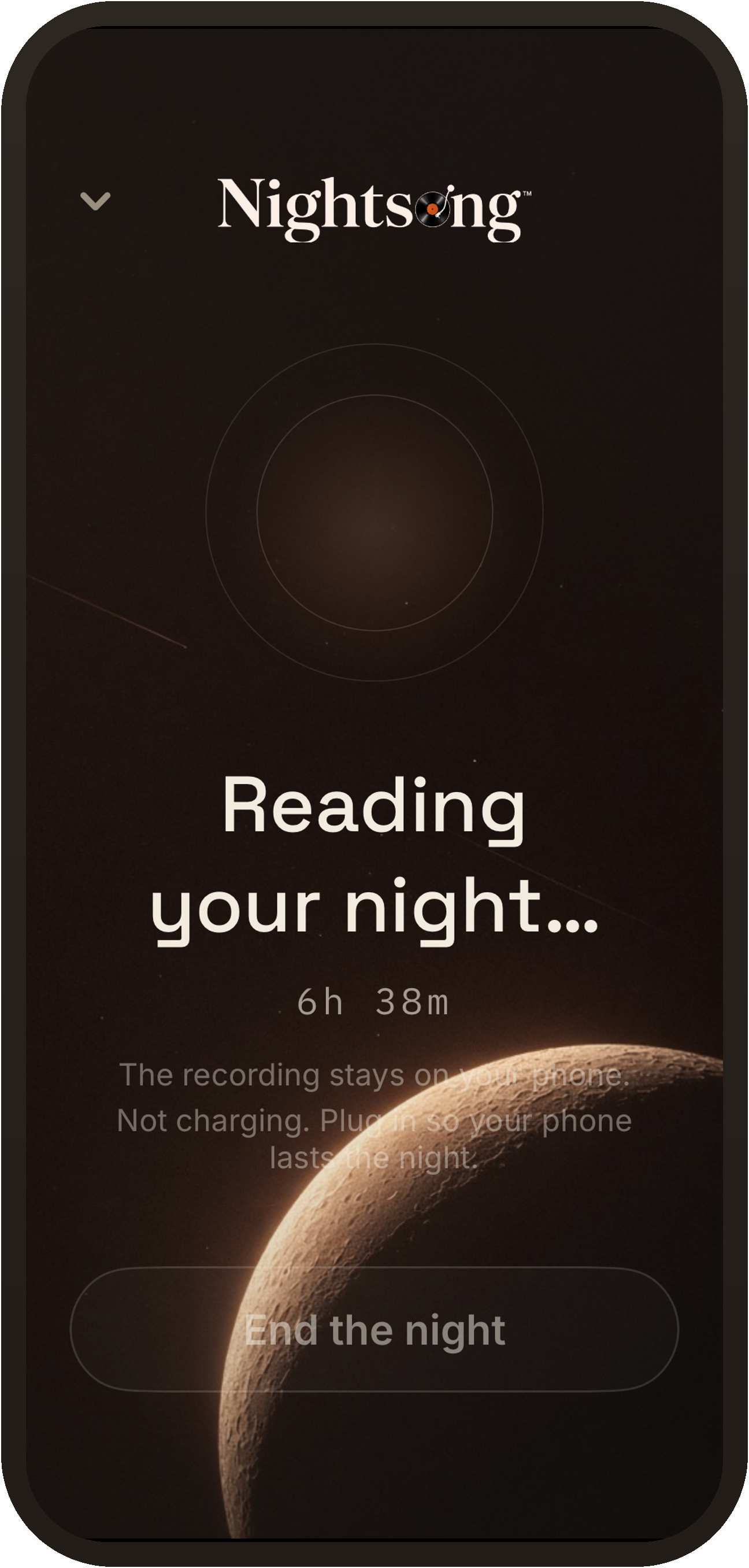
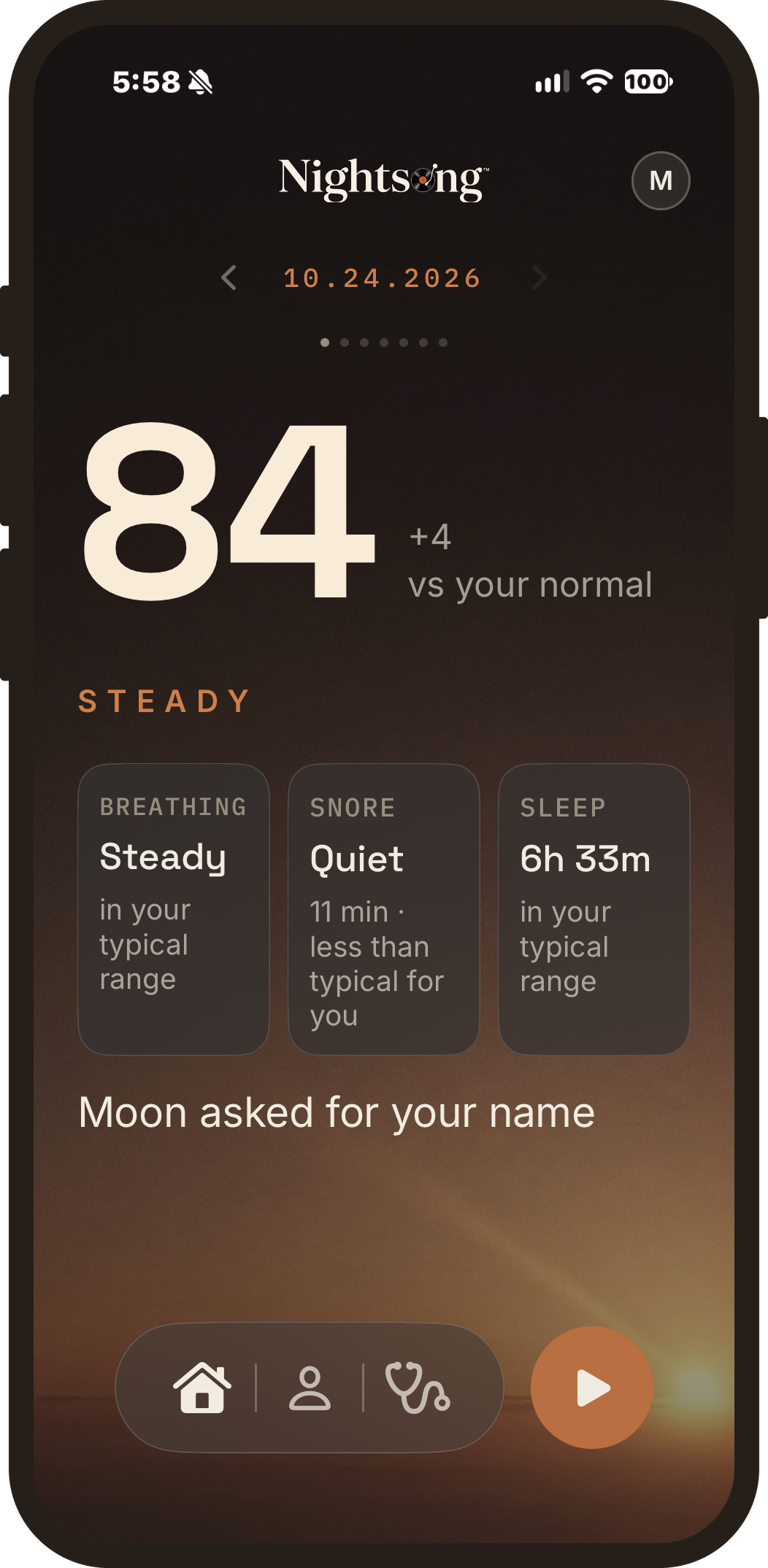
Set up TestFlight
- Install TestFlight from the App Store. It is free.
- Open your TestFlight link.
- Tap Accept, then Install Nightsong.
testflight.apple.com/join/2tkCUF1M
Apple may send a confusing invite email. Ignore it. This link is the path.
Why we built it this way
Your recordings stay on your phone unless you choose to send them.
Scoring runs on your phone in the morning. Audio analysis runs on the phone too.
Optional sharing switches: Share & help improve sends a summary of a few numbers. No recording. No name. No email.
Tonight
-
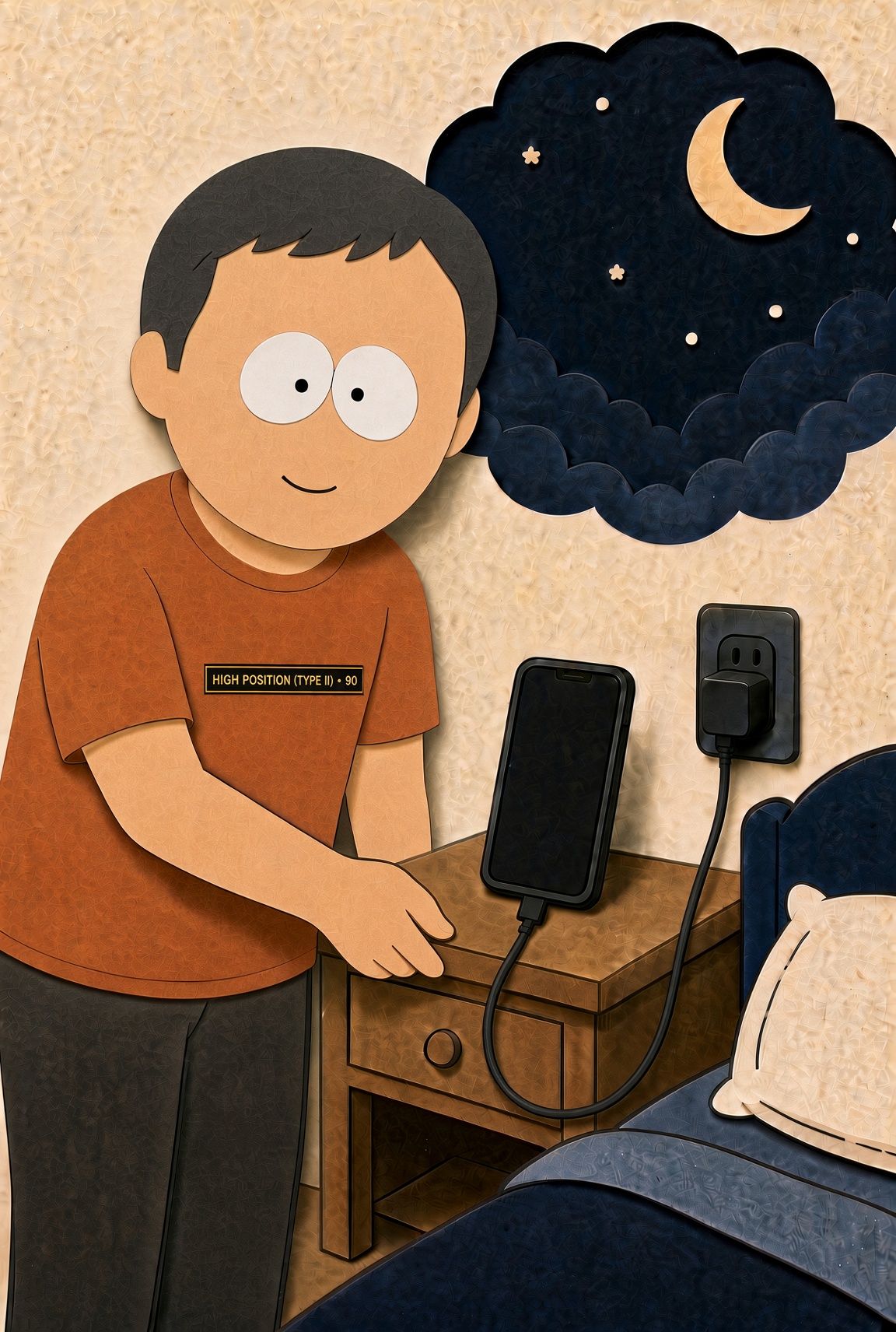
Plug in
Phone on the nightstand. Charging.
-
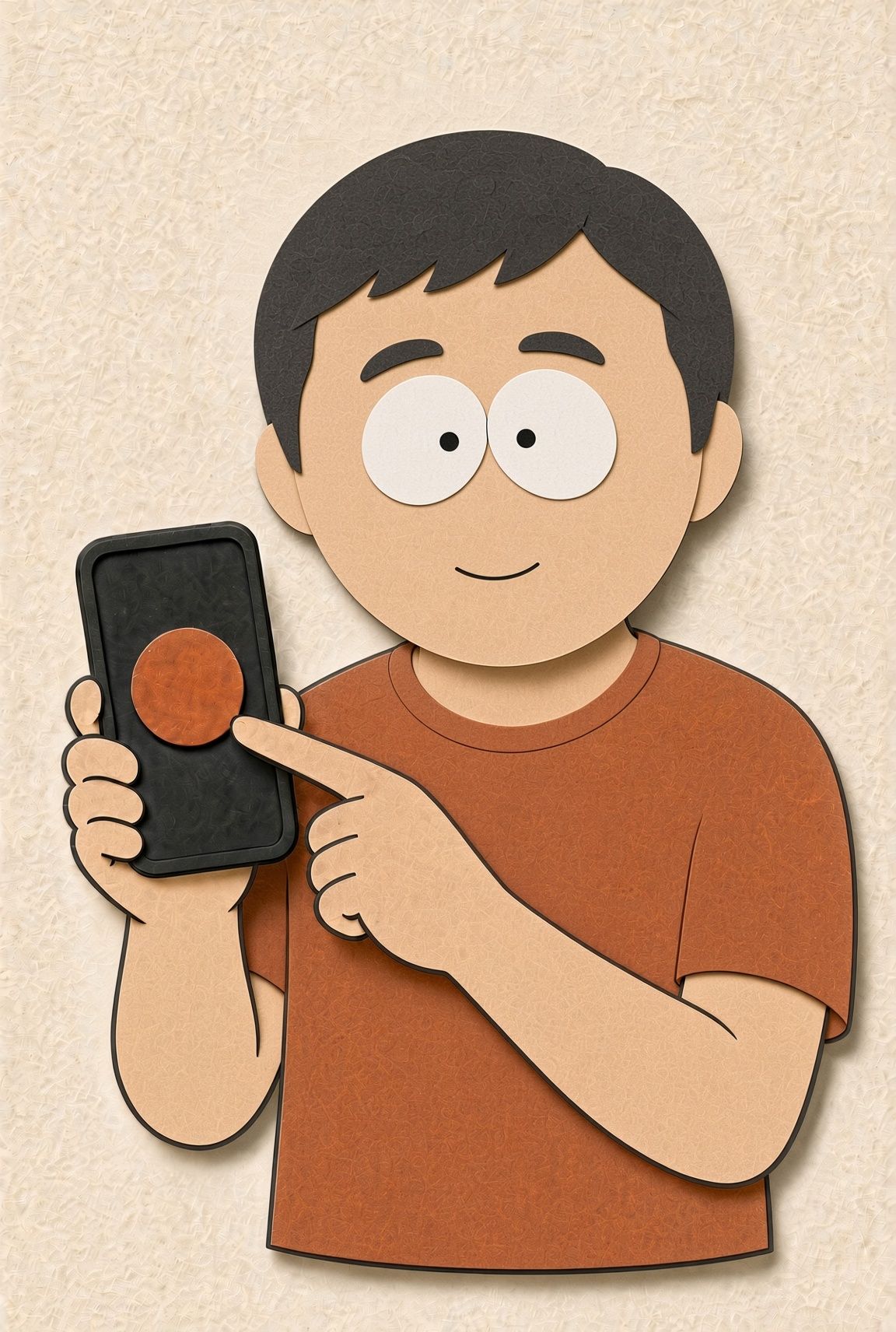
Tap Start
By hand for the first night or two. Then turn Auto-start on under You. Do not force quit Nightsong at bedtime.
-
Sleep
Lock the phone and sleep.
-
Morning Index
Tap stop. Tap how you slept, scroll down, tap Done. Home shows your number.
What the Index is
The Somnus Index™ is mostly snore burden and breathing regularity. A smaller share is other sleep measures. It is measured against you over time.
Heart rate, HRV, and oxygen come from Apple Health when a Watch is connected. Nightsong does not measure those with the mic. The Index is still mostly snore burden and breathing regularity from the phone.
Not Oura. Not Garmin readiness. Listening from the nightstand is different from a wearable, by design.
60 held-out sleep-lab recordings, from an outside library of 287 expert-labeled overnight recordings. Every engine change is checked against them; none are used to train or tune it. Plain, fixed checks throw out anything not loud enough or steady enough to be real. If the night was not clearly heard, you get no number instead of a guess.
First nights may show Partial or LEARNING. That is expected. The picture gets clearer as nights stack.
Keep a copy
The short path for tonight. HTML. Open in your browser.
Quick Step v4.9 · 2026-09-25 Full User Guide v4.9 · 2026-09-25